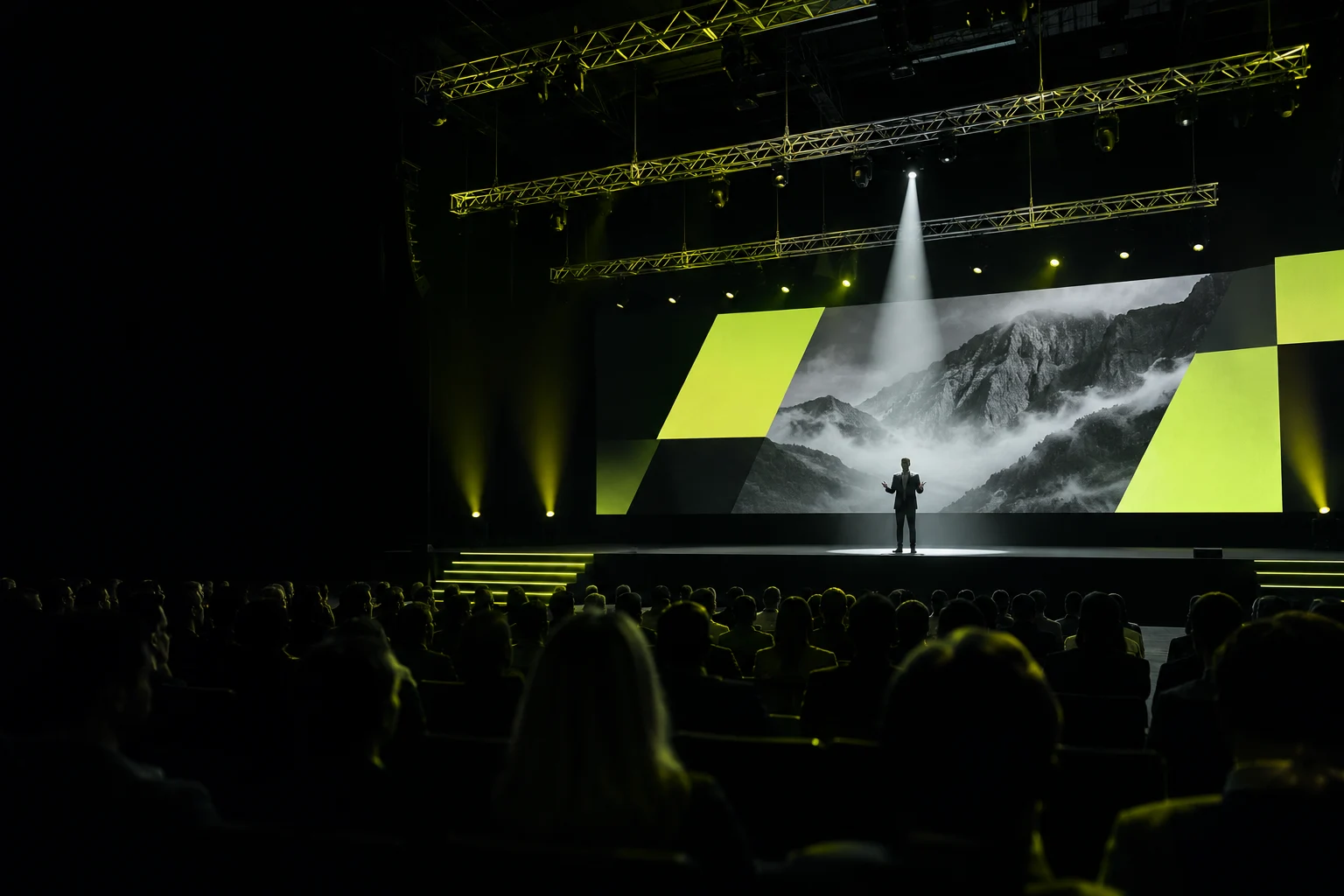
Live event production
Your event has a moment to make.
We bring audio, video, lighting, and production planning together so your message can take the stage.
Plan your eventShare your event date, location, and what you’re planning.
01 / Before the show
There’s a lot happening before the lights come up.
Presenters, content, venue details, schedules, and technical requirements all need a place in the plan. A good production conversation starts by bringing those pieces together.
Production notes PRE / SHOW
- Venue
Room layout, access, and house AV
- Presenters
Microphones, walk-ons, and rehearsal
- Content
Slides, playback, and handoffs
- Schedule
Load-in, doors, and show cues
02 / What we do
One production. A lot of moving parts.
Sound
Help every voice and moment reach the room.
Video
Bring presentations and visual content into view.
Lighting
Shape the stage and the atmosphere.
Production coordination
Connect the technical plan to the event plan.
Tell us what’s happening.
Share the audience, venue, dates, and goals.
Build the production plan.
Work through scope, technical needs, and event details.
Bring it to the room.
Put the plan into action with the people and production elements your event requires.
04 / Concept study
The room. The people. The moment.
Explore the production choices behind an event, from the brief to the experience in the room.
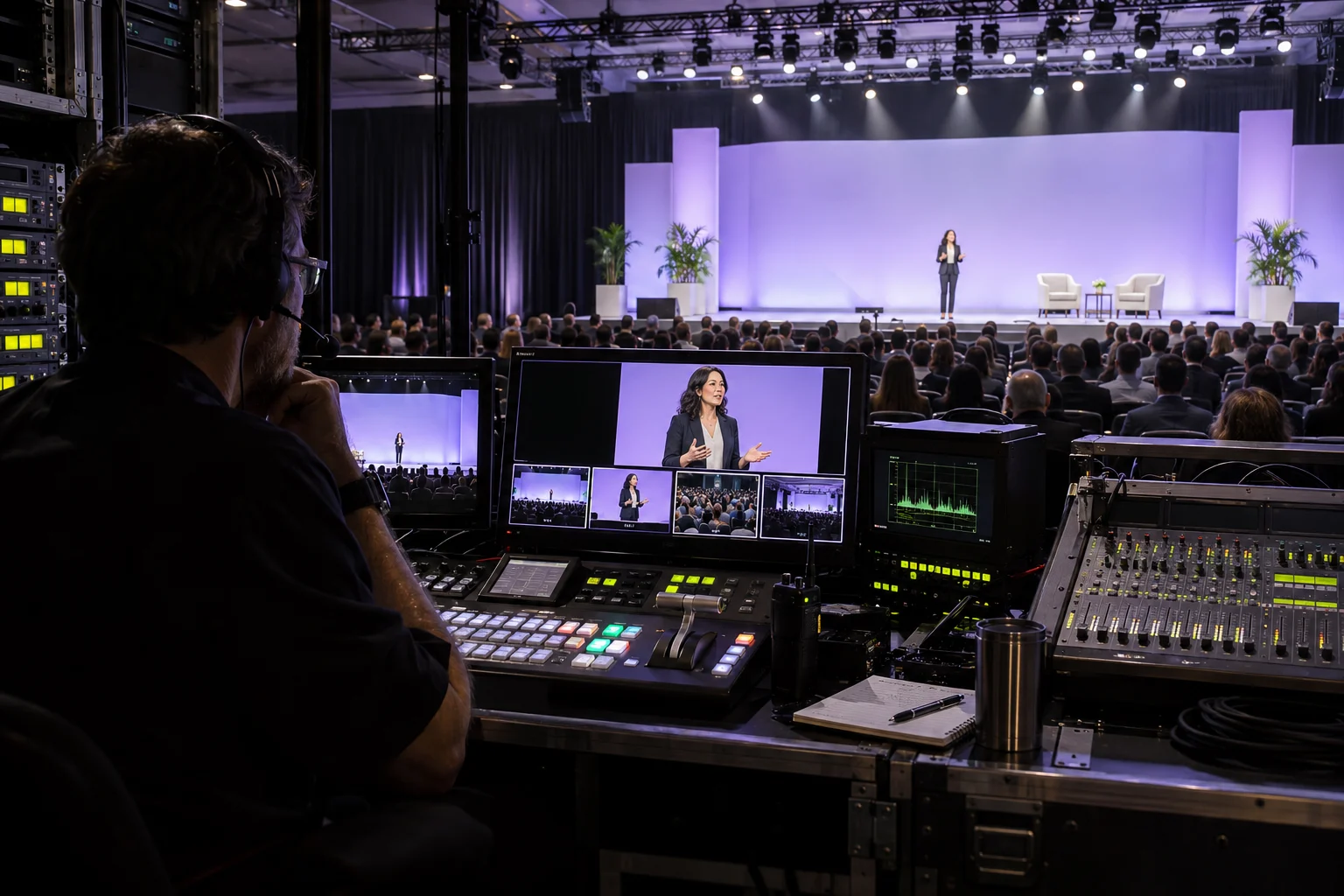
The brief
A corporate conference opens with a keynote, a product reveal, and a moderated Q&A.
The plan
Map the microphone handoffs, presentation playback, and lighting changes to the agenda.
The room
Give the audience a clear sightline to the stage and make the next cue visible to the crew.
05 / Planning FAQ
The details are welcome here.
A few things to bring to the production conversation, from your venue’s setup to the plan for show day.
What do I need to get started?
Start with what you know: the date, location, audience, and the kind of experience you want to create. The remaining details can be discussed as the plan takes shape.
How early should I start planning?
Start the conversation once you have an event date or a shortlist. If you’re comparing venues, ask each one about room access, rehearsal time, and its in-house AV setup.
What if the venue already has AV?
Bring any venue AV list or production requirements into the first conversation. That gives you a starting point for deciding what can be used and what the event still needs.
What shapes a production quote?
Start with the rooms, audience size, content, rehearsal schedule, and technical needs. A budget range can help you discuss priorities before finalizing the scope.
Can I plan for remote speakers or streaming?
Flag any remote speakers or online audiences early. That gives you time to discuss connectivity, rehearsal needs, and how those participants fit into the program.
What should I confirm for show day?
Ask who will handle setup, rehearsals, and live cues. Make sure the production schedule and contact list cover the venue team, presenters, and crew.
Next cue / your event
Let’s make the next moment count.
Bring us the event you’re imagining. Include your date and venue if you have them.
Try this demo with sample details. Entries stay on this page.