Commercial AV integration
Meeting spaces made for the way people work.
From conference rooms to shared spaces, we plan and integrate audio, video, and controls around the people who use them.
Discuss your spaceTell us about your space, your team, and what you want it to do.
Everyday friction
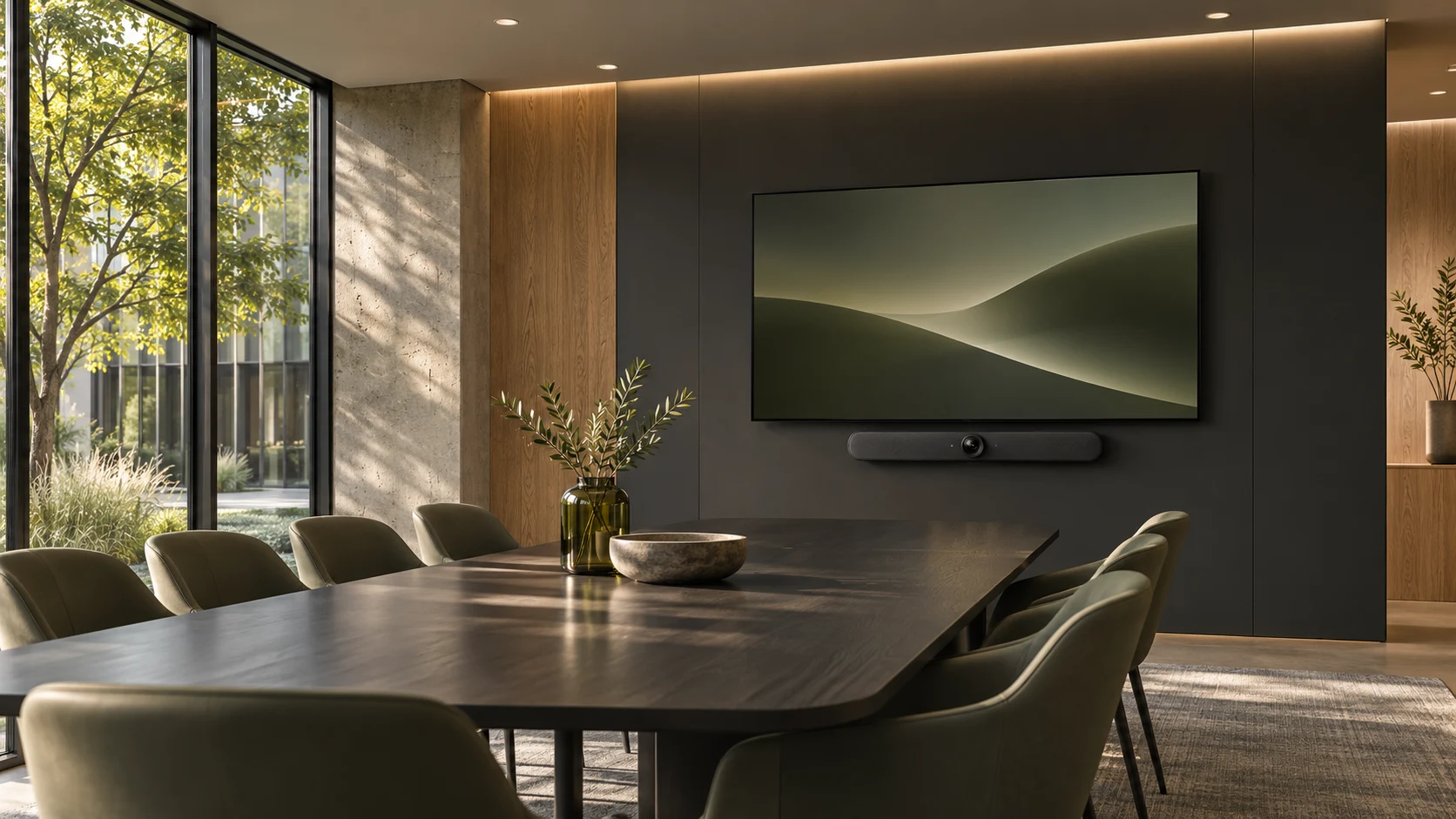
A room can have all the right equipment and still feel hard to use.
Different teams need different things from a space. When the experience isn’t planned as a whole, simple tasks can become more complicated than they need to be.
Share a screen
The presenter is ready, but the display is still looking for a source.
Join a call
The team has the meeting link. Now someone has to figure out the room controls.
Hear the conversation
People on the call miss parts of the discussion when the far end of the table is hard to hear.
When everyday tasks are awkward, meetings can lose time before the conversation even starts.
Solutions
Start with the space. Design for the people in it.
Meeting rooms
Bring sharing, conferencing, and room controls together so teams can start the conversation.
Training and presentation spaces
Give presenters a clear way to share content and help people follow from across the room.
Shared spaces
Use displays and audio to communicate across lobbies, common areas, and other shared workplace spaces.
Support
Plan for a clear handover, user training, and a path for help once the system is in use.
The approach
A clear plan for a more usable space.
Good technology starts with understanding the room, the people, and the work they need to do.
Tell us about your space.
Share what the room needs to do, who uses it, and what gets in their way today.
Review a recommended approach.
Look at the proposed room setup, system options, and the decisions to make with your team.
Introduce the system to your team.
Bring the system into the room and show your team how to handle the tasks they do most often.
Illustrative room study
Hybrid meeting room
See the thinking behind the space.
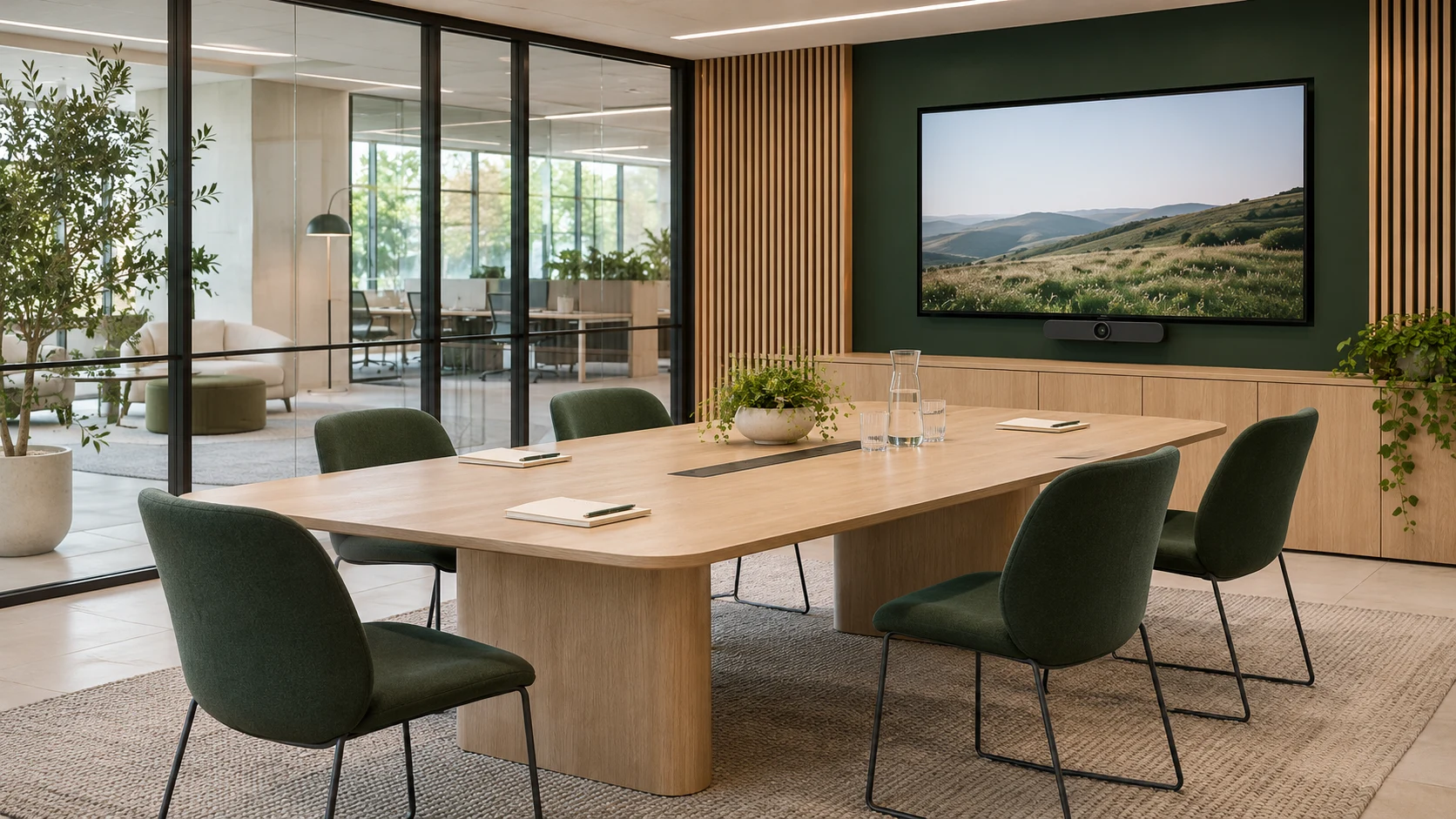
A concept for a meeting room that needs to work for the people at the table and the people joining from elsewhere.
- Need
- Make everyday video calls and in-person presentations possible in the same room.
- Approach
- Bring the display, camera, audio, and controls into one room plan. Consider sightlines and sound at each seat.
- Experience
- The host can picture a clear place to start the call, share a deck, and bring remote attendees into the conversation.
Project questions
Questions before you begin?
A few things to consider as you plan your space.
Can we keep the equipment we already have?
Share your current setup and the experience you want to create. Compatibility depends on the equipment, conferencing platform, and how the room will be used.
What if we’re upgrading an existing room?
Start by listing what works today and what people struggle with. That gives the project a starting point and helps identify what should be kept, changed, or tested.
When should we bring in our IT team?
Bring IT into the planning conversation when the room depends on your network, conferencing platform, or company devices. Early input helps clarify how the system will fit.
What should we plan for after installation?
Discuss how people will learn the controls, who will own the system, and where to go for help. The right support arrangement depends on your team and the scope of the project.
Project inquiry
Let’s make the room work for the people in it.
Share your project goals and any known timing or space details.
Try this demo with sample details. Entries stay on this page.